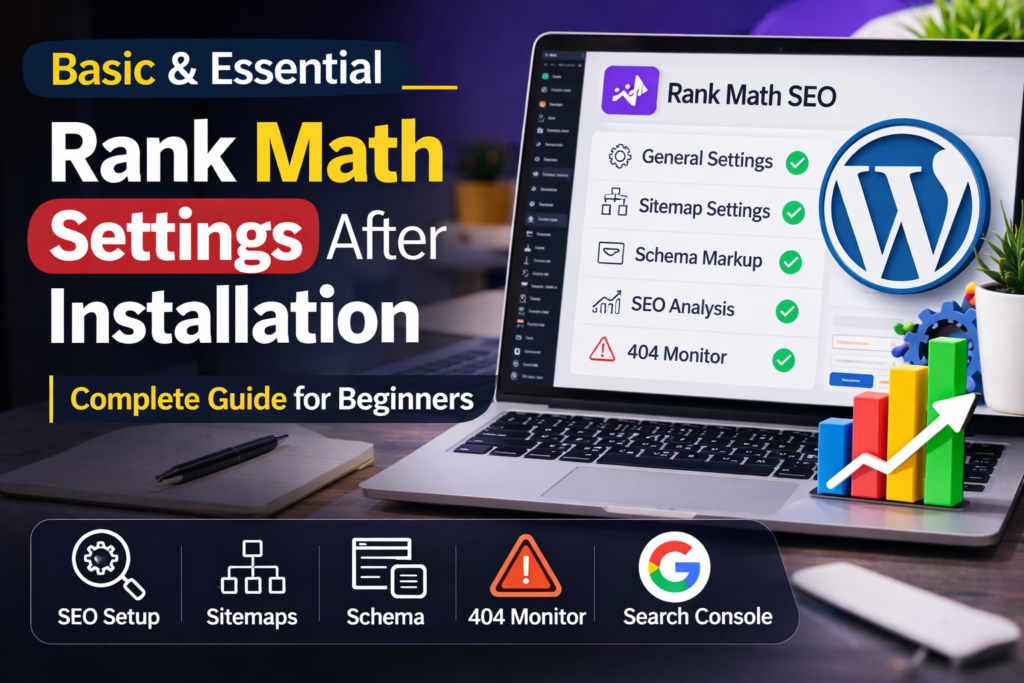
If you have just installed the Rank Math SEO plugin in WordPress, you need to configure some basic settings to get better SEO results and improve your site’s search engine ranking. This guide explains the essential settings in simple steps.
1. Enable SEO Meta Settings
Go to:
Rank Math → Dashboard → Modules
- Enable SEO Analysis
- Enable 404 Monitor
- Enable Redirections
- Enable Schema Markup
- Enable Image SEO (optional)
These modules help with SEO performance and error tracking.
2. Connect Google Search Console
This helps you track indexing and performance.
Steps:
- Go to Rank Math → General Settings → Webmaster Tools
- Find Google Search Console
- Add your verification code (if required)
- Save settings
If you already verified Search Console, no extra action is needed.
3. Set Up Sitemap Settings
Sitemap helps Google index your site.
Steps:
- Go to Rank Math → Sitemap Settings
- Enable sitemap
- Include posts and pages
- Exclude unnecessary media if needed
- Save settings
Your sitemap URL will look like:
yourwebsite.com/sitemap_index.xml
Submit this sitemap in Google Search Console.
4. Configure Title & Meta Settings
This controls how your pages appear in search results.
Steps:
- Go to Rank Math → Titles & Meta
- Enable auto title optimization
- Use dynamic variables for titles
- Avoid duplicate meta descriptions
Good structure:
Post Title | Website Name
Example:
Best WordPress Themes | MyWebsite
5. Enable Breadcrumbs (Optional but Good for SEO)
Breadcrumbs help users navigate and improve SEO.
Steps:
- Go to Rank Math → General Settings → Breadcrumbs
- Enable breadcrumbs
- Add code in theme if required
- Save settings
6. Configure 404 Monitor
This tracks broken links.
Steps:
- Go to Rank Math → 404 Monitor
- Check 404 errors
- Create redirects if needed
Redirect broken links to relevant pages to improve SEO.
7. Enable Schema Markup
Schema helps Google understand your content.
Steps:
- Go to any post or page
- Scroll to Rank Math settings
- Select Schema type (Article, Product, or FAQ)
- Save settings
Schema improves rich results in search.
8. Optimize Focus Keywords
For each post:
- Set a focus keyword
- Write SEO-friendly content
- Check SEO analysis score
- Fix recommendations
Aim for a green SEO score.
9. Image SEO Settings
If enabled:
- Add alt text
- Use descriptive file names
- Compress images for speed
This improves search visibility.
10. Regular SEO Checks
Use:
- SEO Analysis tool
- Search Console reports
- Rank Math suggestions
Regular optimization improves rankings.
Final Thoughts
Basic Rank Math settings are enough to start SEO optimization. After configuration:
- Write quality content
- Use proper keywords
- Improve site speed
- Get backlinks
SEO is a long-term process.
Explore More Website & Blogging Guides
Looking to build a website, boost your SEO, or start earning online? Explore these practical guides to take your website to the next level:
Wix Website Builder Complete Guide – Learn how to create a professional website quickly using Wix: Read the full Wix website builder guide
Basic & Essential Rank Math Settings After Installation – Optimize your WordPress site for search engines with these key settings: Check essential Rank Math settings
Make a Travel Blog Website & Earn Money Online – Share your travel experiences and generate income from your blog: Create a travel blog website and earn money
How to Start a Tech Blog & Earn Money Fast – Launch a tech-focused blog and start monetizing quickly: Start a tech blog and earn money fast
Create a Food Recipe Website & Generate Passive Income – Share recipes online and earn revenue with your own food website: Build a food recipe website for passive income